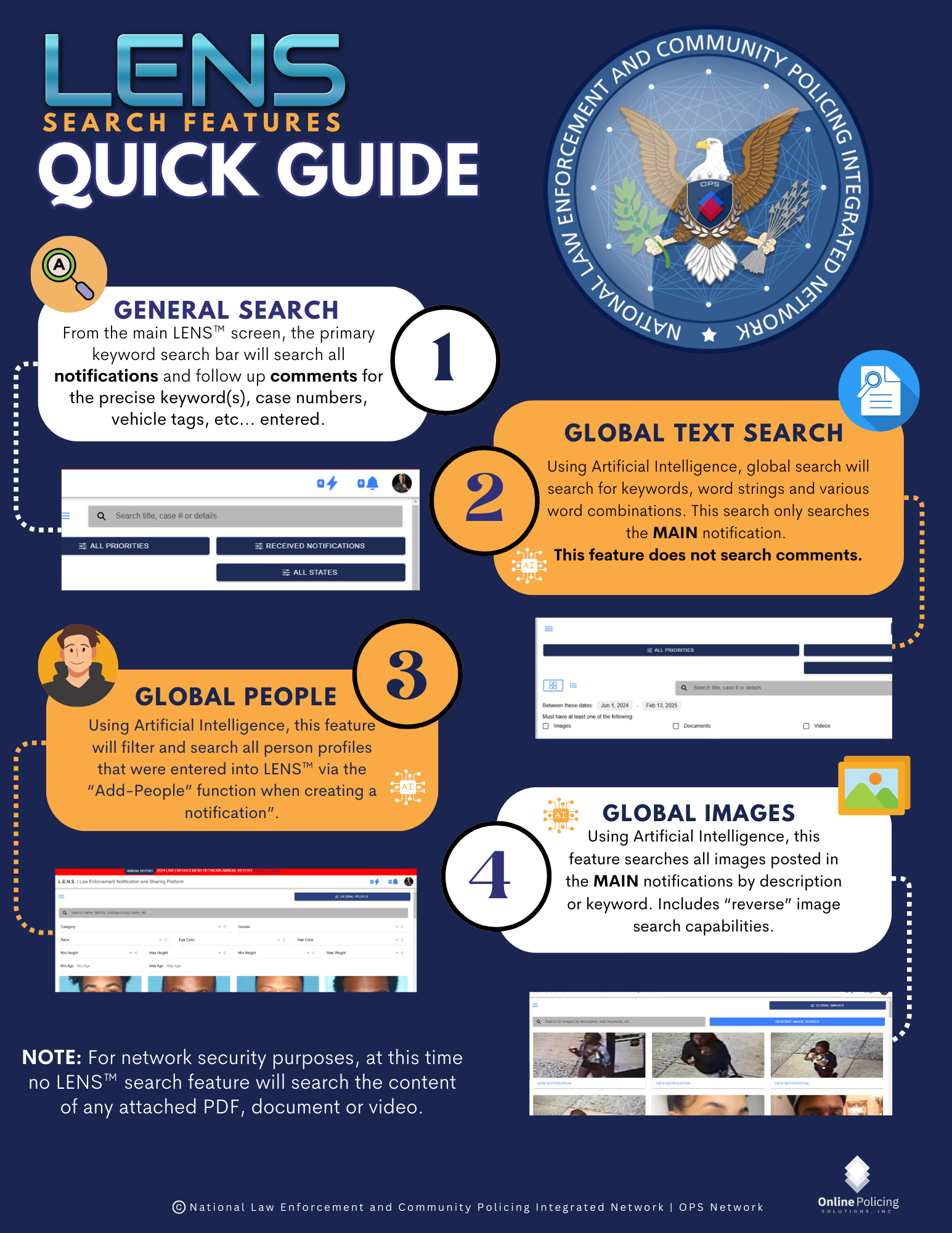
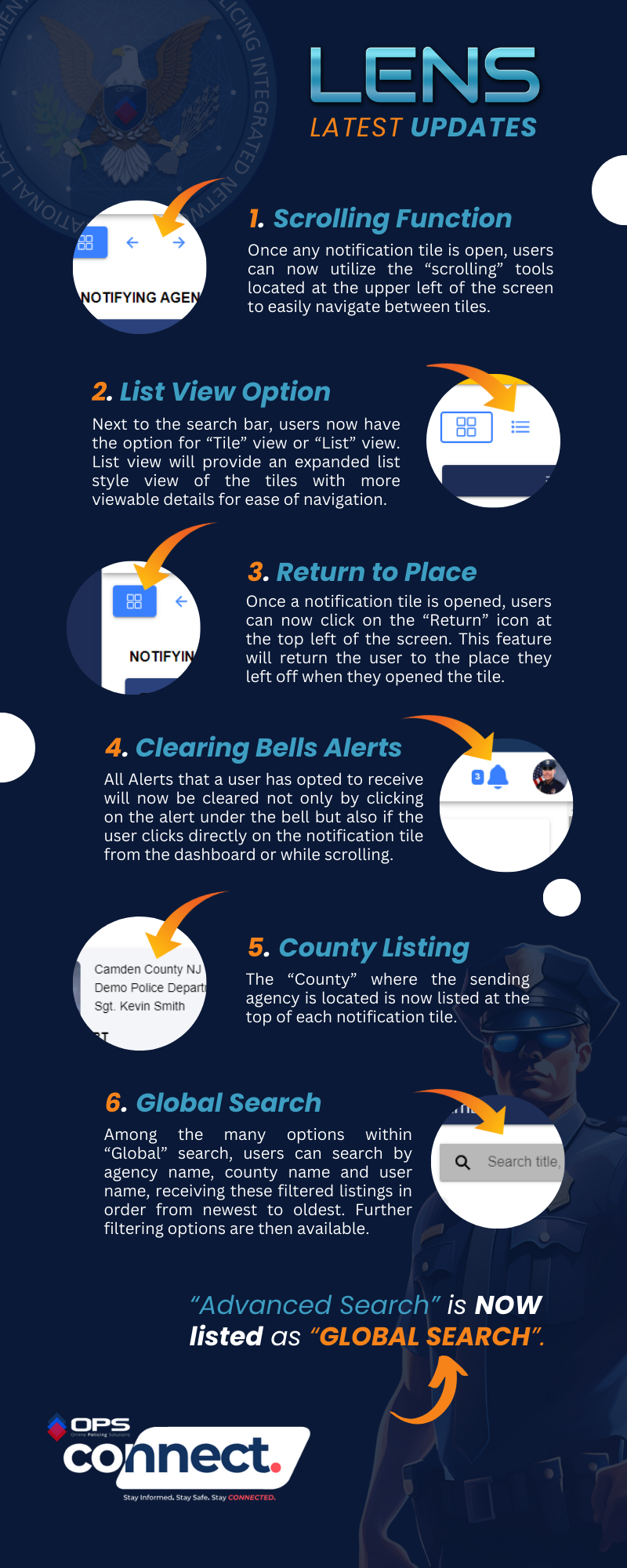
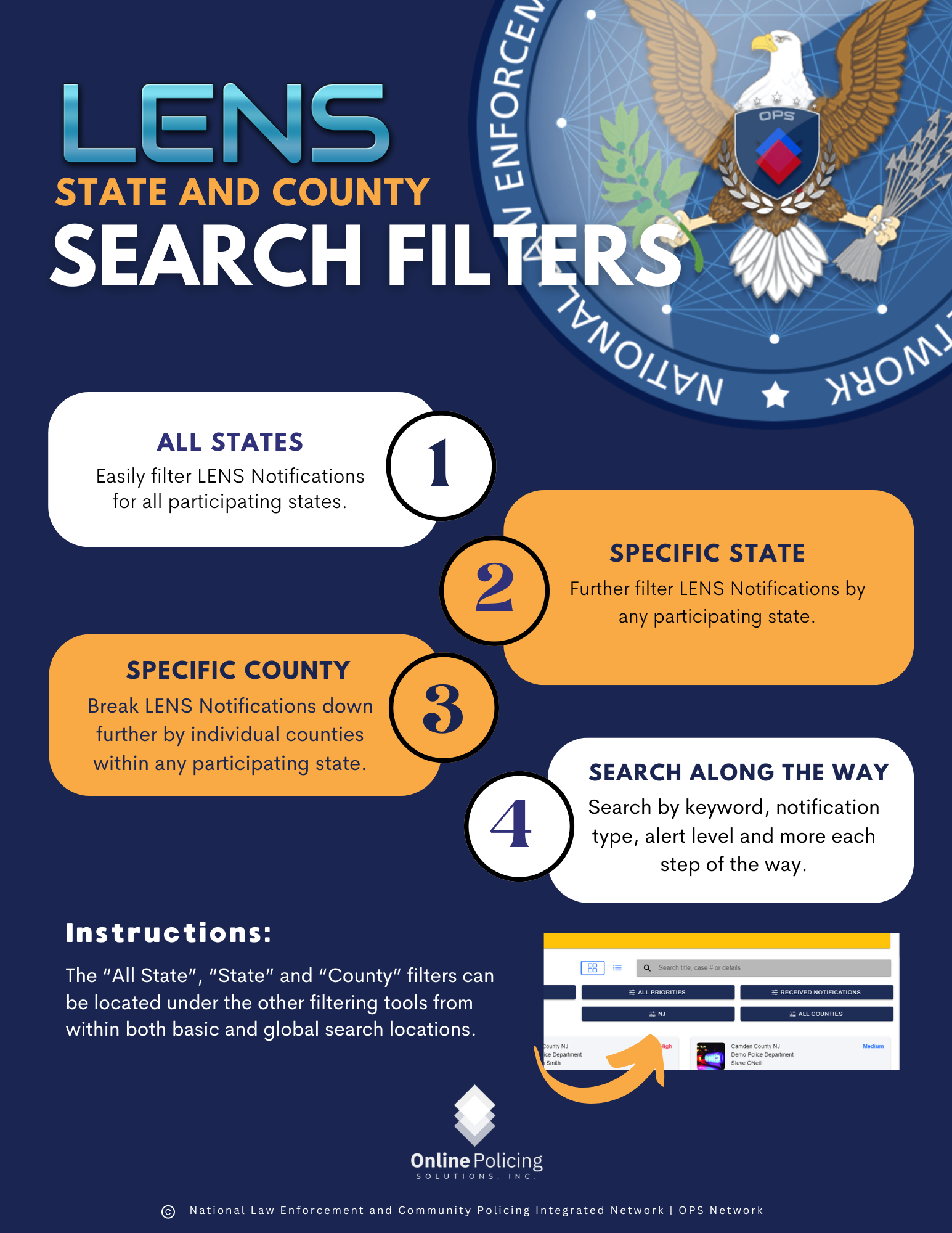
Just a reminder that LENS includes several tools designed to improve navigation, visibility, and search efficiency across notifications. Most of these features were announced in late 2024, early 2025 but since there are many new members, we wanted to post this reminder. Please see the below graphics for additional reference:
-
Advanced Scrolling Navigation – There are numerous tools designed to assist users easily move between notification tiles using the scrolling controls in the upper-left once a tile is opened.
-
List View Option – Toggle between Tile View and the new List View for expanded details and easier scanning.
-
Return to Place – Jump back to exactly where you left off after opening a notification.
-
Improved Alert Clearing – Alerts now clear automatically when clicking directly into a notification tile, not just from the bell.
-
County Display – The sending agency’s county is now clearly listed at the top of each notification.
-
Global Search – Search by agency name, county, or user, with results ordered from newest to oldest and additional filtering available. Global search includes reverse image search, text in image search, etc…
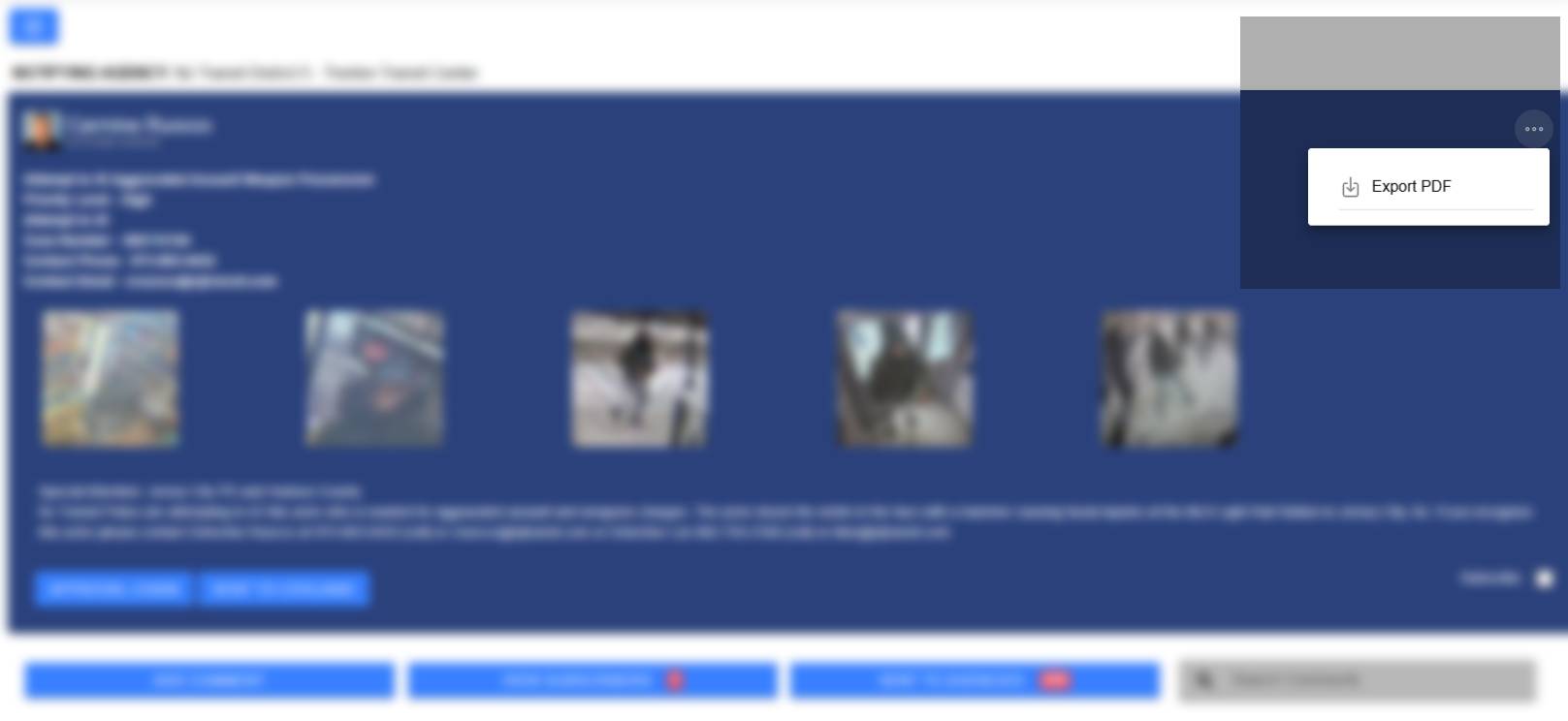
- PDF Dowload: At the top right corner of ALL open notifications, the “Download PDF” feature is accessed via the three dots. This allows users to download PDF versions of all LENS notifications.
These updates are live and available now to help streamline your daily workflow in LENS.